
A character or the whole party
A character takes a final bow at a ballroom doorway while the gathering continues. Choose who leaves, from where and the style that suits them.
DM & session
One memorable farewell.
A fitting parting line.
A scene free to carry on.

One agreed departure
Prepare the presentation while the room and future choices stay open.
A character takes a final bow at a ballroom doorway while the gathering continues. Choose who leaves, from where and the style that suits them.
Prepare the exit beat, parting words and a fitting lingering detail. Leave audience reactions, pursuit and the next decision with the table.

A farewell that fits the character
An elven character bows on a flower-filled garden terrace as companions wave. Match the departure style, mood and lingering detail to the setting.
Choose a turn and walk, parting line, graceful disappearance, unexpected route, crowd fade, final bow or harmless object left behind.
What you can prepare
Keep the agreed character or party departure at the centre of the farewell.
Prepare one agreed departure for a willing player character or the whole party. Keep the focus on the farewell and leave the next decision with the table.
Name the place and what the character is walking away from. Give the final beat a clear connection to the scene that is already happening.
Choose a turn-and-walk departure, memorable parting line, graceful disappearance, unexpected route, crowd fade, final bow or harmless object left behind.
Choose how the farewell should feel and what lingers. Let a quiet departure carry as much character as an elaborate final bow.
Include a supplied parting line and place those words first. Prepare several other parting lines to review with the character or party.
Describe the exit itself and create a line ready to read at the table. Make the last image clear while leaving the rest of the scene open.
Add a fitting final detail, such as a bow, fading presence or harmless object. Keep it part of the presentation rather than deciding a new obligation.
Describe the room afterward. Leave reactions, pursuit, required checks and future choices with the people at your table.
Review and edit the exit, lock useful details and reroll selected material. Reopen saved departures and keep a twelve-version history.
Copy the table-ready exit with its read-aloud line first, full Dungeon Master material or reviewed player-facing view. Download the structured record or print it.
Setting, style and parting words
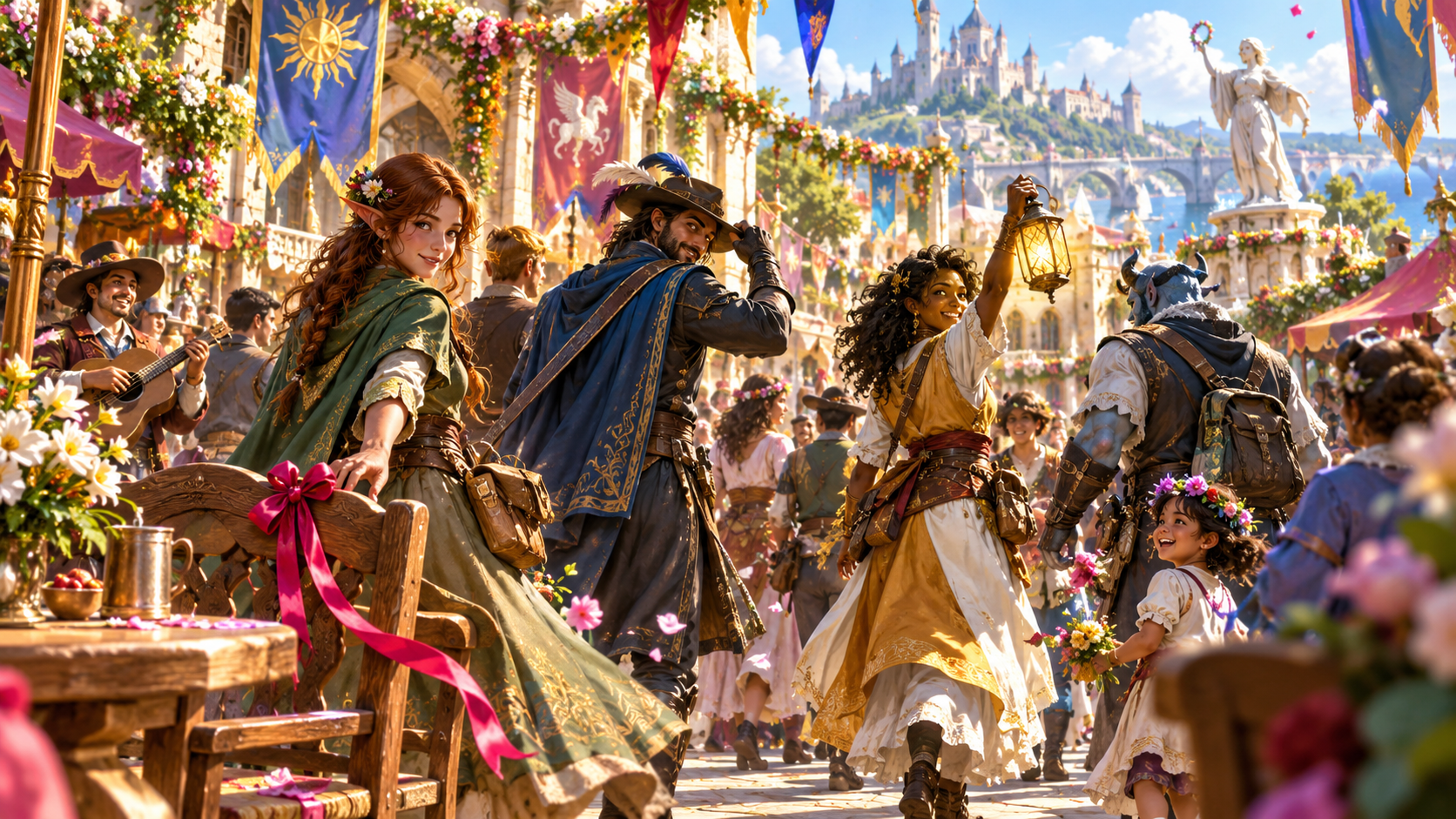
A party moves through a festival crowd, leaving a bright ribbon on a chair. Describe who leaves and from where, then choose the style, mood and lingering detail.
Create the exit beat and read-aloud line. Review the parting words and afterward, edit useful details and lock the parts you want to keep.
Quick setup. Deeper preparation.
Prepare a farewell without deciding the next scene for the table.
Choose a willing character or agreed party farewell, describe the setting and select the style, mood and what lingers.
Add the words the player wants to use and place them first. Review several other lines while finding the farewell that fits.
Describe what the character is leaving, refine the departure route and how the room carries on. Include things to avoid and private Dungeon Master context.
Review and edit the exit, lock selected details and reroll the material you want to change. Keep versions as you shape the final beat.

A last image. A room that carries on.
A party walks away from a sunset terrace while the people at the table continue their conversation. Prepare the parting words and what lingers after the departure.
Put the read-aloud line first, review the chosen view and use it at the table. Let the group decide pursuit, responses, checks and the next scene.
Saved exits and table references
Reopen the chosen version and select the material your audience needs.
Reopen, rename, duplicate, search, tag, annotate or delete saved exits. Keep the departure setting beside its parting words and final image.
Review, edit, lock useful details and reroll selected material. Keep a twelve-version history as you refine the farewell.
Copy the table-ready exit with the read-aloud line first, full Dungeon Master material or the player-facing view. Review private notes before sharing.
Download the structured exit record or print a table reference. Keep the departure, parting words and how the room carries on within reach.
Your desktop and related products
Open your products through your account and bring the chosen scene to the table.

Open your VISINVOKE products through one signed-in Windows desktop workspace.
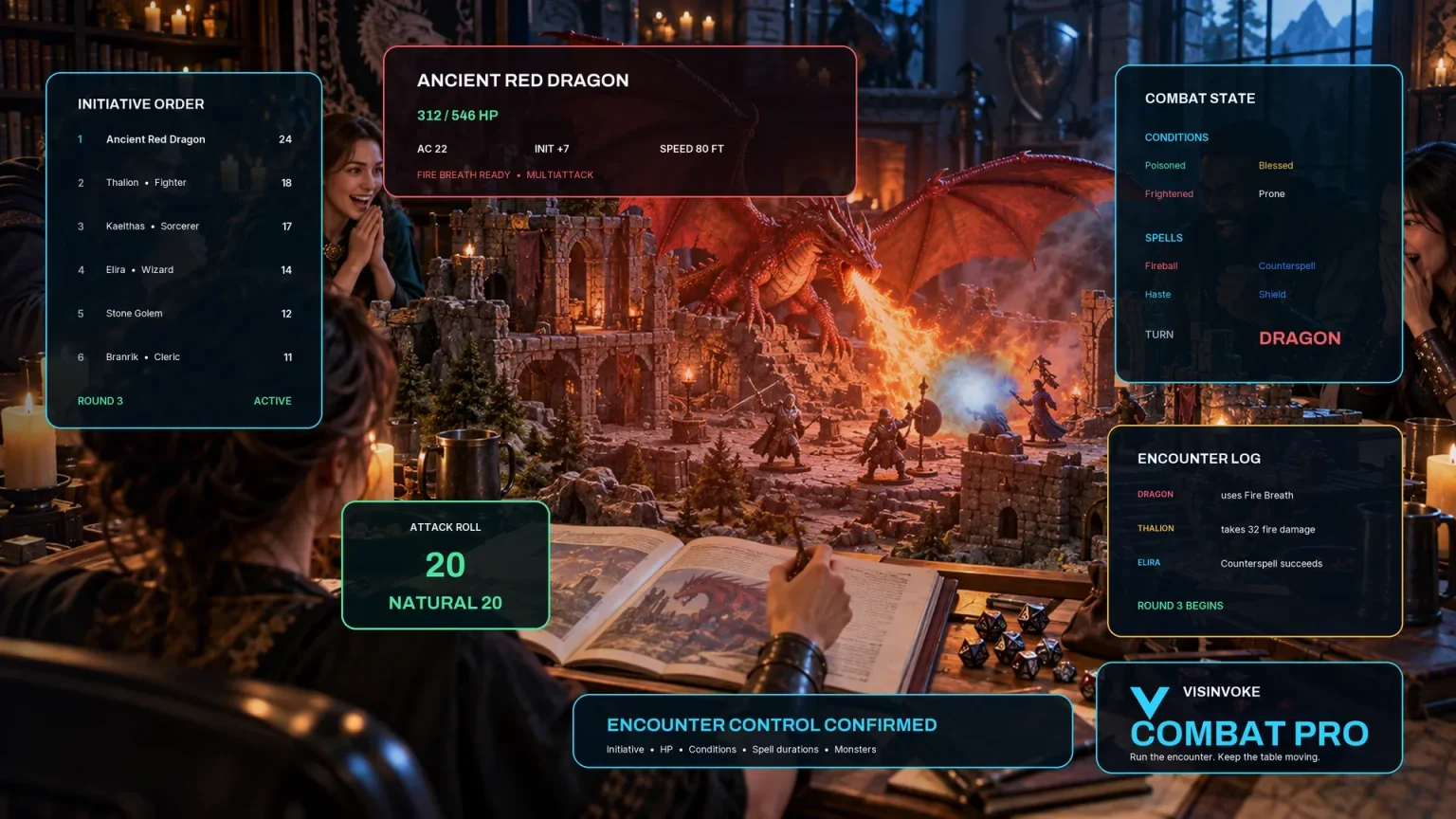
Use the dedicated encounter workspace for combat. Dramatic Exit Generator prepares departure presentation and parting words.
Artwork illustrates fictional farewells and related products, not application screens.
Questions and answers
Styles, parting words, saved material and account access at a glance.
A willing player character or an agreed party departure. Prepare one cinematic farewell together and keep reactions, pursuit, checks and later choices at your table.
A turn-and-walk departure, memorable parting line, graceful disappearance, unexpected route, crowd fade, final bow or harmless object left behind. Match the style, mood and lingering detail to the scene.
Who is leaving, the departure setting, exit beat, several parting lines, a ready read-aloud line, what lingers and how the room carries on. Include player-facing material and private Dungeon Master notes while keeping future choices open.
Yes. Add a supplied parting line in deeper preparation; those words come first. Refine what the character is leaving, the route, afterward, things to avoid and private Dungeon Master context.
Review, edit, lock useful details and reroll selected material. In your signed-in library, reopen, rename, duplicate, search, tag, annotate or delete exits and keep a twelve-version history. Copy the table-ready line or chosen view, download the structured record or print it. Review private notes before sharing.
Open the Generators collection in Desktop Control Centre on Windows through your VISINVOKE account. Review individual subscription access and current pricing in your account. A free account is separate from paid generator access.
Continue in VISINVOKE
Create a free VISINVOKE account or sign in to your existing account. Get Desktop Control Centre through your account installer page.
Open the Generators collection on Windows. Review current subscription and access details in your account.